Get teams working in DeepL
Turn a purchase into a working team.
 · 2026
- 73%
- seats in use
- 7.6%
- seat purchase rate
- 1,425
- admins
Overview
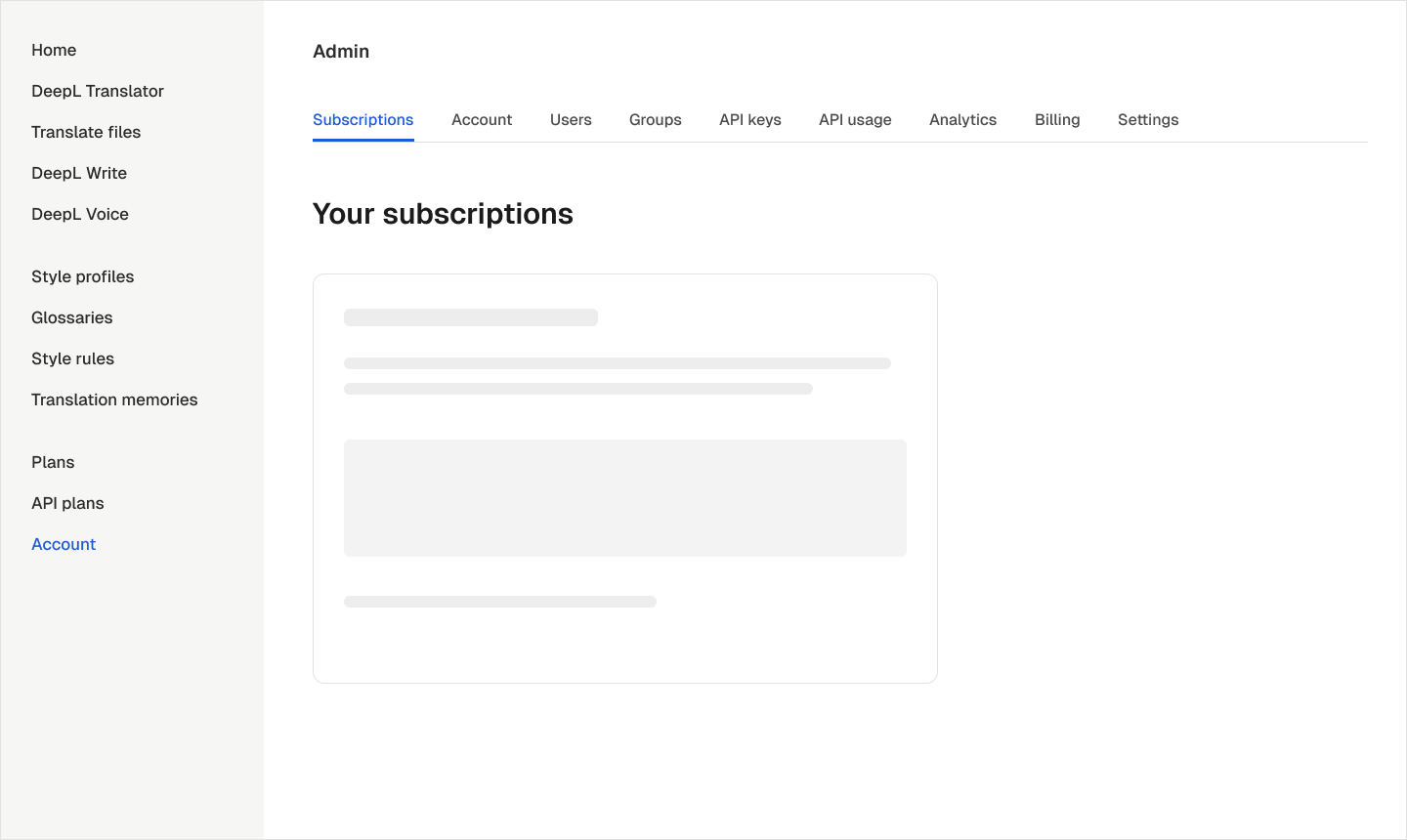
After buying DeepL, admins had to find the settings needed to get their teams working across nine account tabs. Nothing pointed them towards those tasks. A month after purchase, typical new teams were using only half their seats.
I designed the onboarding journey from checkout through team setup, using a questionnaire, checklist, guided flows and a floating widget. I also became acting PM when the team’s PM left in February. The questionnaire and checklist launched on 27 May 2026, followed by the widget on 11 June.
The buyer wasn’t always the admin
Discovery showed that the person buying DeepL was often not the person responsible for setup. The journey needed a way to involve the right admins before they reached the account area.
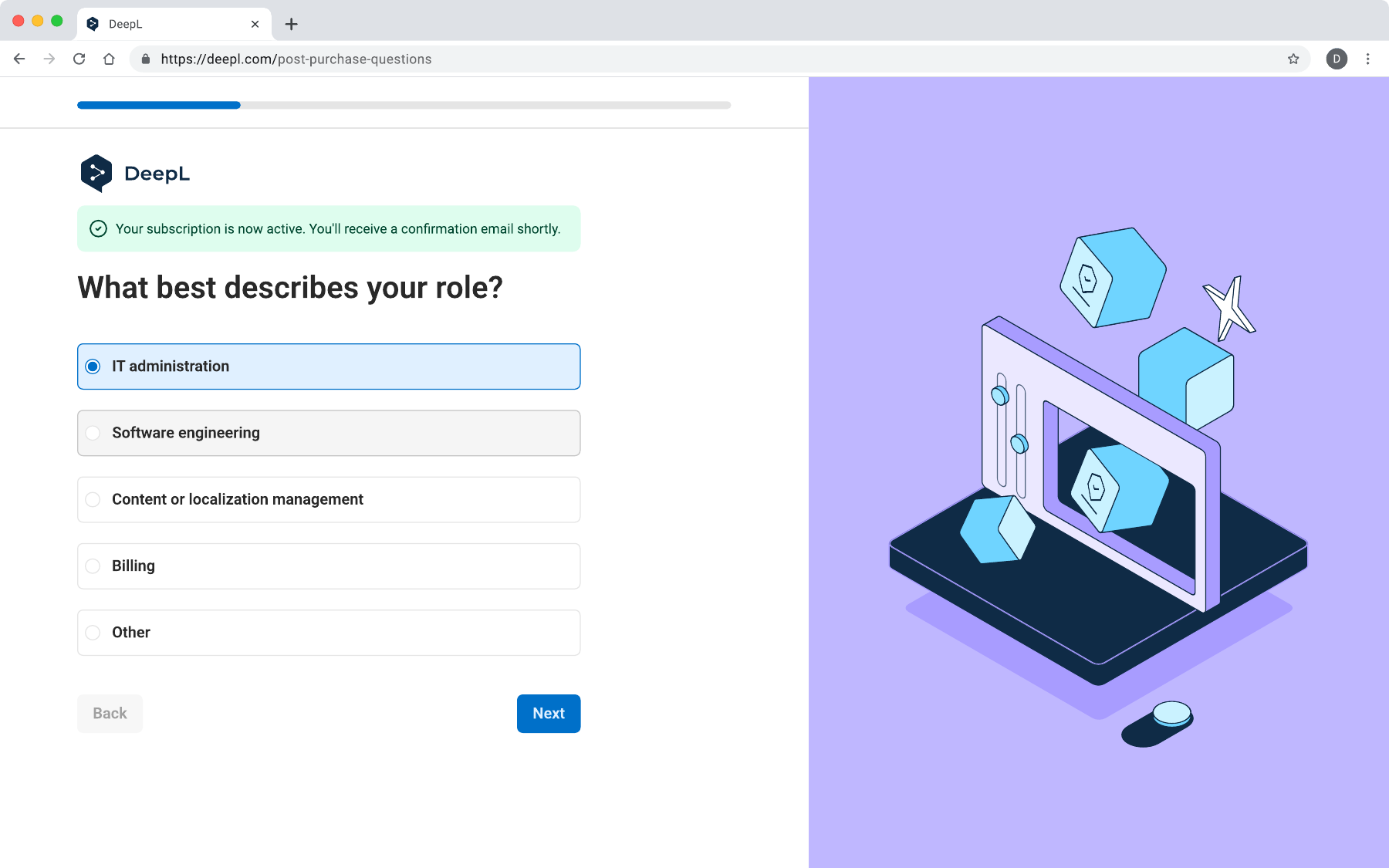
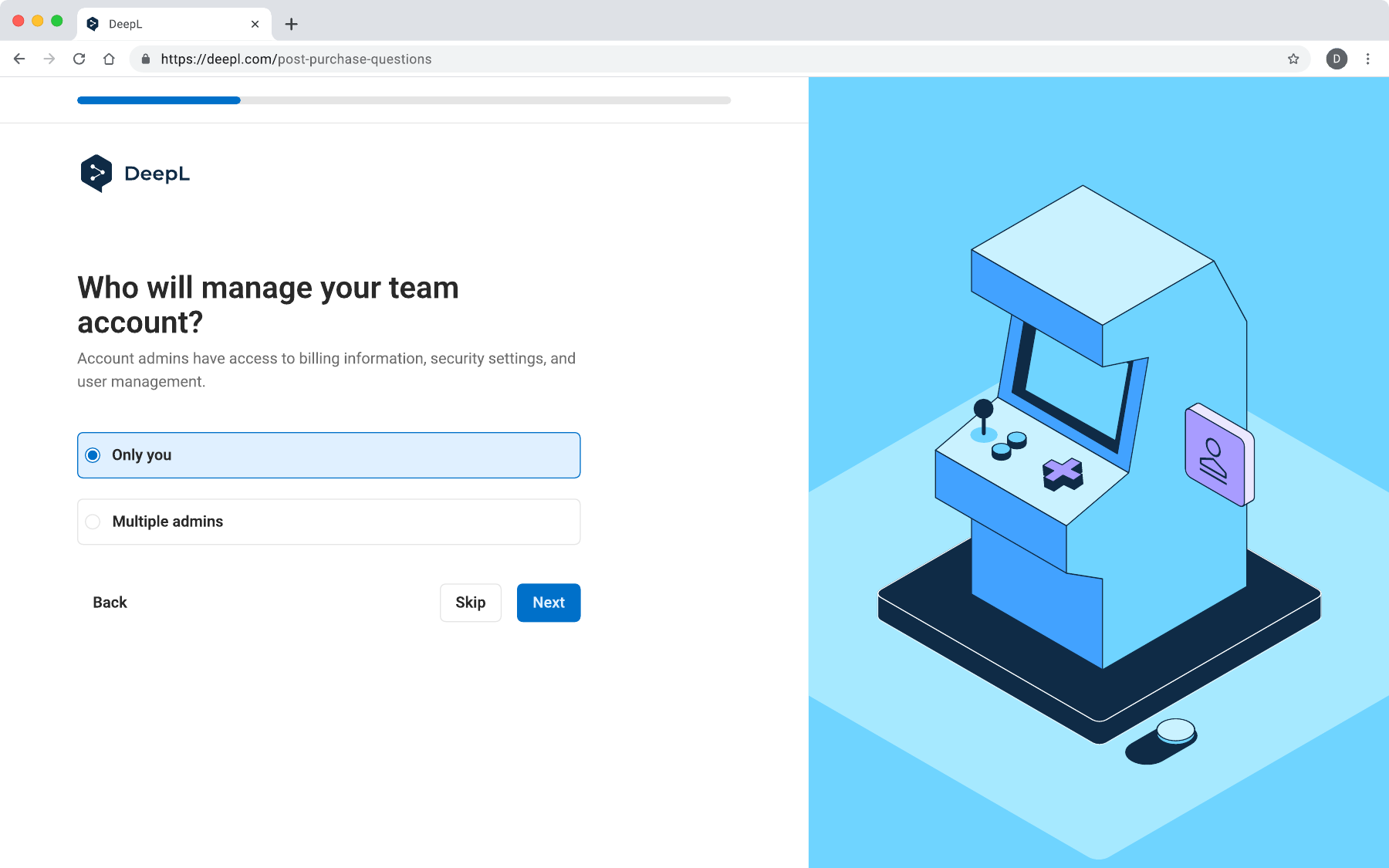
I placed the questionnaire after checkout so buyers could identify who would manage the account and invite them. We launched with Business customers, who use checkout. Sales-assisted Enterprise accounts need a separate entry point, planned for a later phase.
Ask who is managing the account
I worked through three questionnaire versions, narrowing broad organisation questions to one question per screen. Role and account management are required; organisation size and current translation tools are optional. Asking which tools a team uses also provides context for a future migration flow.
I removed the “We’ll set it up together” option because it did not change the next step. Buyers answer four questions; invited admins get a shorter route because the buyer has already provided some of the context. Using role answers to order tasks is planned for phase two.
A checklist on home, a widget while working
I explored five ways to place the guide. Task cards offered too little room for grouping; a stepper implied an order the tasks did not require; a side panel narrowed the workspace; and a small corner pill was easy to overlook. Including the questionnaire as a task also meant collecting context too late.
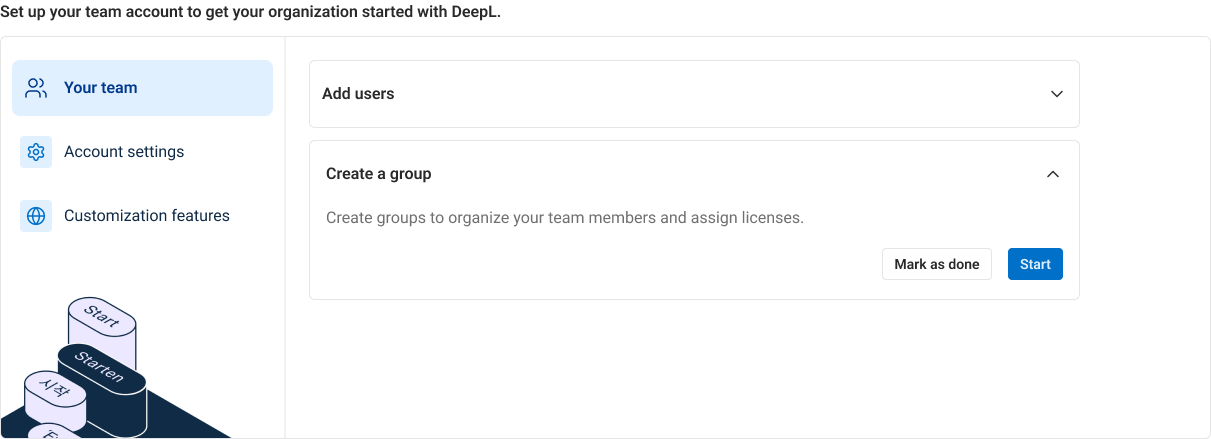
I combined a grouped checklist on home with a floating widget on other account pages. Home has space for explanations and illustrations. The widget keeps progress and the next task accessible while admins work elsewhere, and dismissal lasts for the current session.
Distinguish personal tasks from account tasks
The checklist contains six tasks grouped under team, account settings and customisation. Admins can complete them in any order and across sessions. Each task opens in place with an explanation, and a count shows how many are complete. Admins can also mark work done when it happens elsewhere.
Branding, security and domain setup only need to happen once per account, so completion is shared across admins. Invitations and style profiles are tracked per person. This distinction keeps progress accurate when several admins work on the same account.
Keep related decisions in a guided flow
Inviting a team involves email addresses, access roles and groups that determine licences. I brought these decisions into one flow, supporting up to 40 addresses, with a consistent header, footer and action placement.
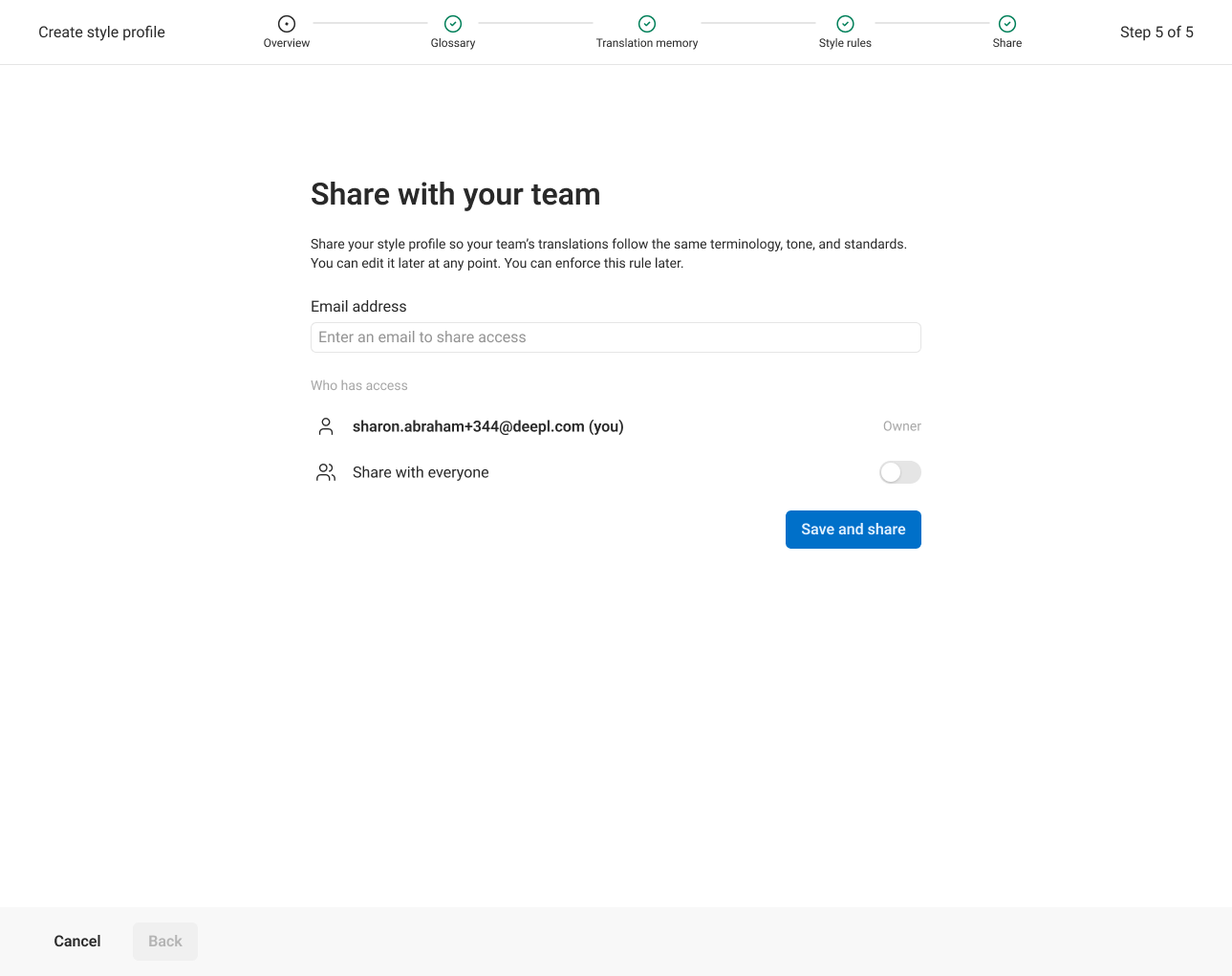
For style profiles, I worked with the Customisation team to reuse the existing glossary, translation-memory and style-rule flows. We defined completion as adding at least one asset and sharing the profile, so completing setup leaves the team with something they can use.
Build shared patterns alongside the first journey
Before designing this journey, I mapped seven onboarding patterns for DeepL: badges, beacons, tours, empty states, wizards, questionnaires and checklists. Admin setup was the first application, using questionnaires, checklists and wizards. Empty states adopted the same framework before launch.
I documented configurable components so teams could add tasks and states without rebuilding the pattern. The API team’s getting-started checklist now uses the same component, and the work became phase one of DeepL’s wider Digital Onboarding Journey. Role-based ordering, stored questionnaire answers and animated illustrations were deferred so the first journey could ship.
What we saw after launch
In the first ten weeks, 1,425 admins used onboarding. Typical new teams that used it had 73% of their seats in use after a month, compared with 50% for new teams before launch. Almost half reached at least 90% seat utilisation, versus roughly three in ten before.
Among established teams that went on to use onboarding, the share buying extra seats rose from 4.8% to 7.6% per six weeks. Invitations were the most-used task: 755 admins started and 335 finished.
Seats in use after one month
Typical new teams: February–April baseline compared with teams that used onboarding.
Teams buying extra seats
Share purchasing per six weeks, among established teams that went on to use onboarding. Scale: 0–10%.
25 May–3 August 2026. These comparisons are observational; an A/B test is planned to measure the effect of onboarding.
Reach more admins, then tailor the journey
About seven in a hundred new teams had used onboarding so far. With rollout complete, making it easier to discover is the next priority, followed by tasks and ordering tailored to role, a migration journey and Voice-specific setup.
I would also define analytics alongside the flows from the start. More than 55 teams began customisation before we had step-level tracking; that gap was fixed in August. Phase two needs to show where admins progress or leave, as well as giving customisation more attention in the experience.
Key decisions
Let buyers involve the admins responsible for setup immediately after checkout.
Use a checklist for independent tasks and guided flows for related decisions.
Share progress at the account or person level according to who owns the task.
Let’s talk about the work.
I’d be happy to talk through the project and the decisions behind it.
Reach out